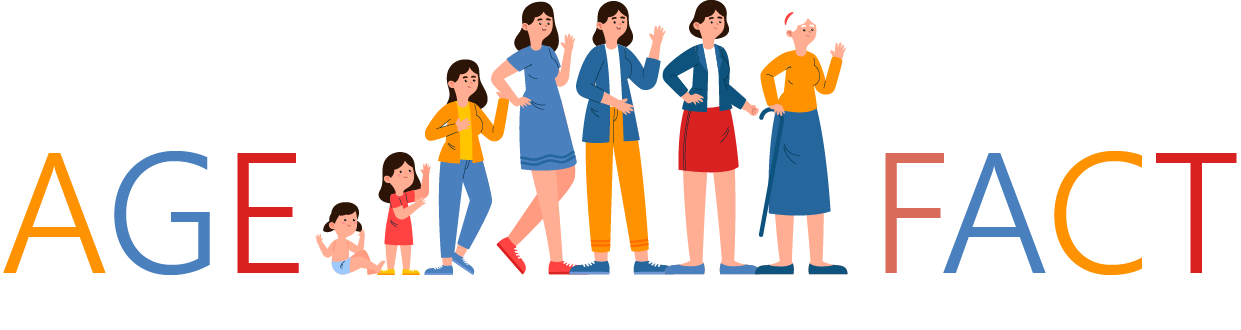
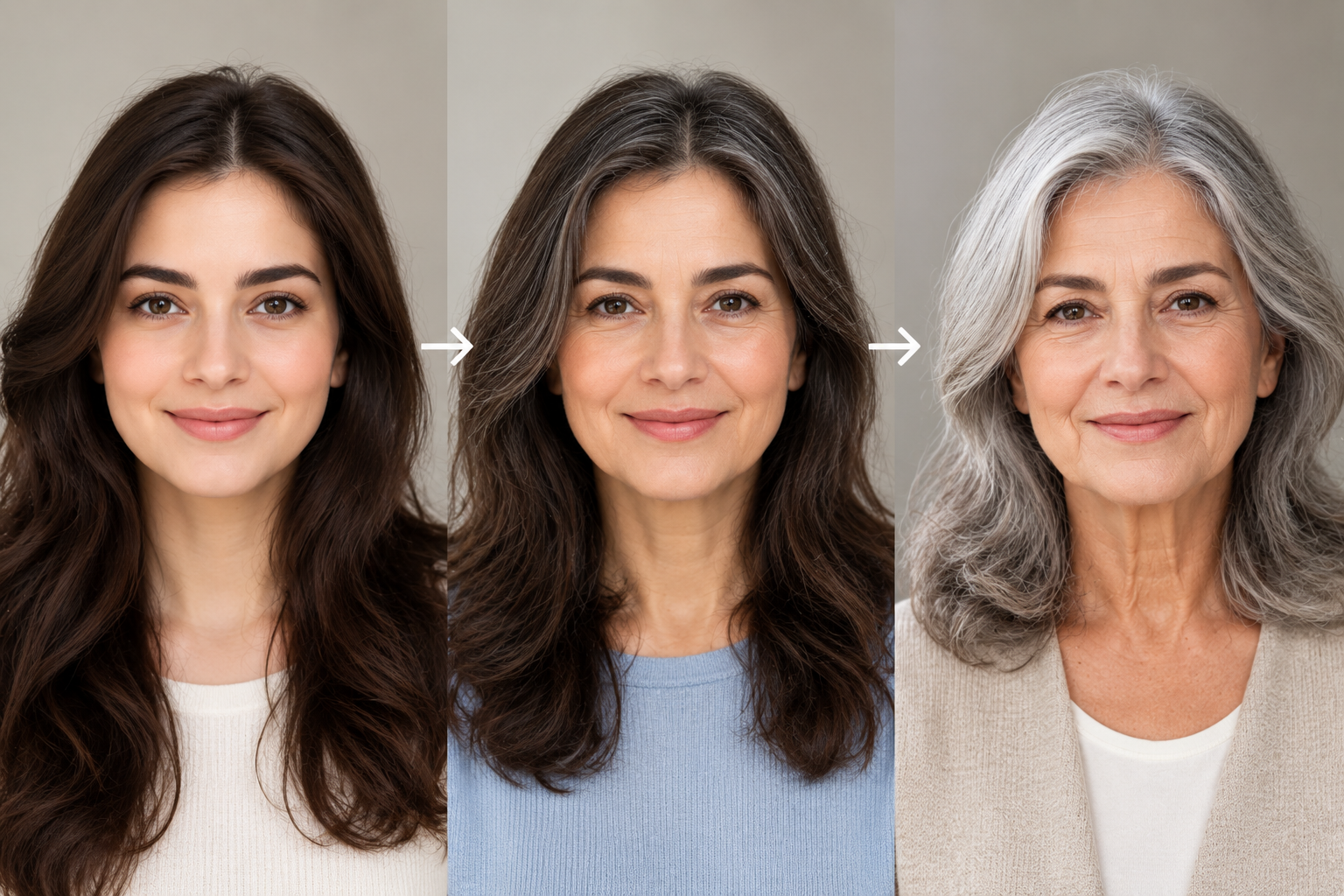
An older-looking portrait is more convincing when the person is still recognisable. Add a different jaw, a dramatic hairstyle and a new expression, and the result may look like a stranger with a few shared features.
For Nano Banana age progression, begin with a controlled creative edit: keep the source portrait’s pose and setting, ask for a modest change in apparent age, and compare the face before making further adjustments. The finished image is an illustration. It does not establish how the person will actually look in the future.
Start with one clear portrait
Use your own photograph, or one the person has agreed you may edit. Choose an image with a visible face, reasonably even light and an expression you want to preserve.
Keep the original separately. Make a working copy as the reference image and avoid adding heavy filters before generation. If the face is already blurred, heavily retouched or partly hidden, it becomes harder to decide whether the output has preserved the person’s features.
The background does not need to become part of the experiment. A plain setting makes the comparison easier, but a familiar room can work too. The useful constraint is to keep it stable while you examine the face.
Choose one target appearance for the first attempt. A sequence of many ages introduces more decisions before you know whether the basic portrait edit holds together.
Give Nano Banana a restrained age-edit brief
Google’s image-generation documentation describes image editing within the Nano Banana family and distinguishes its model versions. Select the version deliberately; a shared family nickname does not mean every service uses the same model.
An example prompt for an adult’s portrait could read:
Create an illustrative older version of the adult in this reference photograph. Keep the same pose, expression, clothing, camera angle and background. Suggest a later adult appearance with restrained changes to skin texture and hair. Preserve the person’s recognisable facial structure. Do not add text.
For a first comparison, avoid a long inventory of dramatic ageing effects. You can ask for a smaller or larger change after seeing what the model does. Keep a record of the prompt and selected version.
Nano Banana Pro on reAPI provides a reference-image route for this kind of image-editing trial. Review the available controls and use only photographs appropriate for the chosen service.
A browser-based portrait edit in ClipDance can be reviewed in the same way. Start with a copy of the original and keep the crop fixed between attempts, so changes in framing do not obscure changes in the face.
Judge identity before judging age
Place the original and output side by side at the same size. Begin with likeness.
Look at the spacing and shape of the eyes, the nose, the mouth and the overall face. Check whether the expression has changed. A different smile can alter the impression of a person as much as added lines or grey hair.
Then examine what changed beyond the face. Clothing, posture and background should not quietly become part of the transformation if the purpose is a controlled comparison.
If the portrait no longer feels like the same person, return to the original and simplify the instruction. Repeatedly editing an already altered face makes it harder to tell which changes came from which stage.
You may decide that an understated result is the more successful one. A recognisable portrait with a modest change can be more useful than a striking image that has lost its subject.
Treat the result as a visual possibility
An age-editing model produces an image from its inputs and instructions. The portrait alone does not supply a record of the person’s future circumstances or establish a particular future appearance.
Calling the output “me at 70” may be a playful caption, but it should be clear that the image is generated. A more accurate description is “an AI-generated interpretation of an older me.”
The same distinction applies to younger versions. A newly generated image is not a recovered childhood photograph, even when it feels familiar.
Do not use a generated face to infer someone’s actual age or fill gaps in a biography. A person’s date of birth needs a reliable source. An altered portrait is a piece of creative imagery, not biographical evidence.
Keep comparisons visually fair
For a side-by-side image, use the same crop and display size. A closer crop, stronger contrast or different light can make the transformation appear larger than the facial edit itself.
Keep labels outside the generated picture when possible. Add them in a layout or image editor so you can control their wording and placement. “Original photograph” and “Generated age interpretation” are enough.
If making several stages, use the original as the shared reference for independent comparisons. If you deliberately build a sequence by editing one output into the next, remember that later frames may inherit earlier alterations.
Save both the separate images and the final layout. The layout is convenient to share; the separate files make it possible to revise a caption or replace one candidate without rebuilding everything.
Decide what is worth sharing
The most interesting result may be a personal experiment rather than a public post. Ask the person whose photograph you used whether they are comfortable with the final image before sharing it.
For a birthday card or a private family conversation, a simple generated-image label keeps the context clear. For an article, explain the source and treatment in the caption.
Avoid attaching invented personal details to make the picture feel more complete. The model does not supply a future career, health history or life story simply by changing a face.
Questions about age progression
Can Nano Banana predict exactly how I will look?
A generated portrait should not be treated as an exact prediction. It illustrates an apparent age change based on the supplied image and instructions.
Why did the output change my face too much?
The edit may have introduced unwanted visual changes. Compare it with the source, reduce the requested transformation and judge the next result afresh.
Should I make every age in a single image?
You can explore that format, but one controlled portrait is easier to assess first. A large grid can hide small changes in identity.
Keep the person recognisable
Choose the Nano Banana age progression that still looks like the person in the source photograph. Keep both files and add a clear caption before sharing. If the likeness has gone, more wrinkles will not bring it back.
SEO Title: Nano Banana Age Progression: Create a Recognisable Older Portrait Excerpt: Create an older portrait with Nano Banana, check that the person stays recognisable and present the generated result as an illustration rather than a forecast. Meta Description: A Nano Banana age-progression guide covering source portraits, restrained prompts, likeness checks and clear captions. Tags: Nano Banana, age progression, portrait editing, Nano Banana Pro