A phone charger is easy to overlook until it stops working properly. Maybe your battery takes hours to refill, the cable only works at a certain angle, or your replacement charger feels noticeably slower than the one that came with your device. With so many charging accessories available, choosing a suitable replacement can be more complicated than simply matching the connector.
Whether you need an android charger or are comparing different iPhone chargers, the important factors are compatibility, charging power, cable quality, and safety. Understanding these basics can help you avoid unnecessary purchases and get more consistent results from your phone.
The Connector Is Only the Starting Point
USB-C has become common across modern smartphones, including many Android devices and newer iPhone models. However, having the same connector does not mean two chargers will perform identically. Charging speed depends on the capabilities of the phone, the charger’s output, the cable, and the charging protocol supported by the devices. A high-wattage adapter cannot force a phone to accept more power than it is designed to handle. Likewise, a phone that supports faster charging may not reach its maximum speed with an incompatible adapter.
Older Android phones may use different charging standards, while older iPhones may require a Lightning cable. Before purchasing a replacement, check the exact model of your phone and identify the connector it uses. This small step can prevent the frustration of receiving an accessory that does not fit.
Why Android Charging Requirements Can Differ
Android phones come from numerous manufacturers, and their charging specifications can vary considerably. Some models support standard USB Power Delivery, while others use proprietary fast-charging technologies that may require a compatible adapter to reach their advertised speeds. For example, a charger that works well with one Android phone may charge another model more slowly, even if both use USB-C. This does not necessarily mean the charger is defective. The devices may simply support different charging protocols or power levels.
If fast charging is important, consult your phone manufacturer’s documentation for the supported wattage and charging standard. Then compare those requirements with the charger’s specifications. Avoid assuming that the highest number printed on a box will automatically produce the fastest result. An appropriately rated charger can still be useful when moving between devices, particularly if it supports widely used charging standards. The key is to understand which capabilities your phone can actually use.
What Makes iPhone Chargers Different?
Apple’s charging requirements have changed across iPhone generations. Older models use Lightning connectors, while the iPhone 15 series and later use USB-C. This change makes cable selection particularly important when replacing an existing charger or sharing accessories with someone who owns a different device. For a USB-C iPhone, a compatible USB-C power adapter and cable provide a straightforward wired charging setup. The adapter’s supported output and the phone’s charging capabilities determine how quickly the battery can recharge. A more powerful adapter may also work with other compatible devices, making it useful for people who carry several electronics.
Wireless charging adds another consideration. Compatible iPhones can use supported wireless charging accessories, including MagSafe products on applicable models. These accessories offer convenience, but their performance depends on compatibility, alignment, temperature, and the specific charging standard involved. Rather than purchasing an accessory based solely on the Apple name or a familiar design, check that it explicitly supports your iPhone model and intended charging method.
Wattage, Cables, and Real-World Charging Speed
Wattage indicates how much power a charger can supply under supported conditions, but it is only one part of the charging equation. Phones often draw power more quickly when the battery is low and reduce their charging rate as the battery fills. Temperature and background activity can also influence charging time. The cable matters as well. Some USB-C cables support higher power levels than others, and certain high-speed charging arrangements require a cable with specific capabilities. A cable designed mainly for basic data transfer or lower-power charging may not meet every device’s requirements.
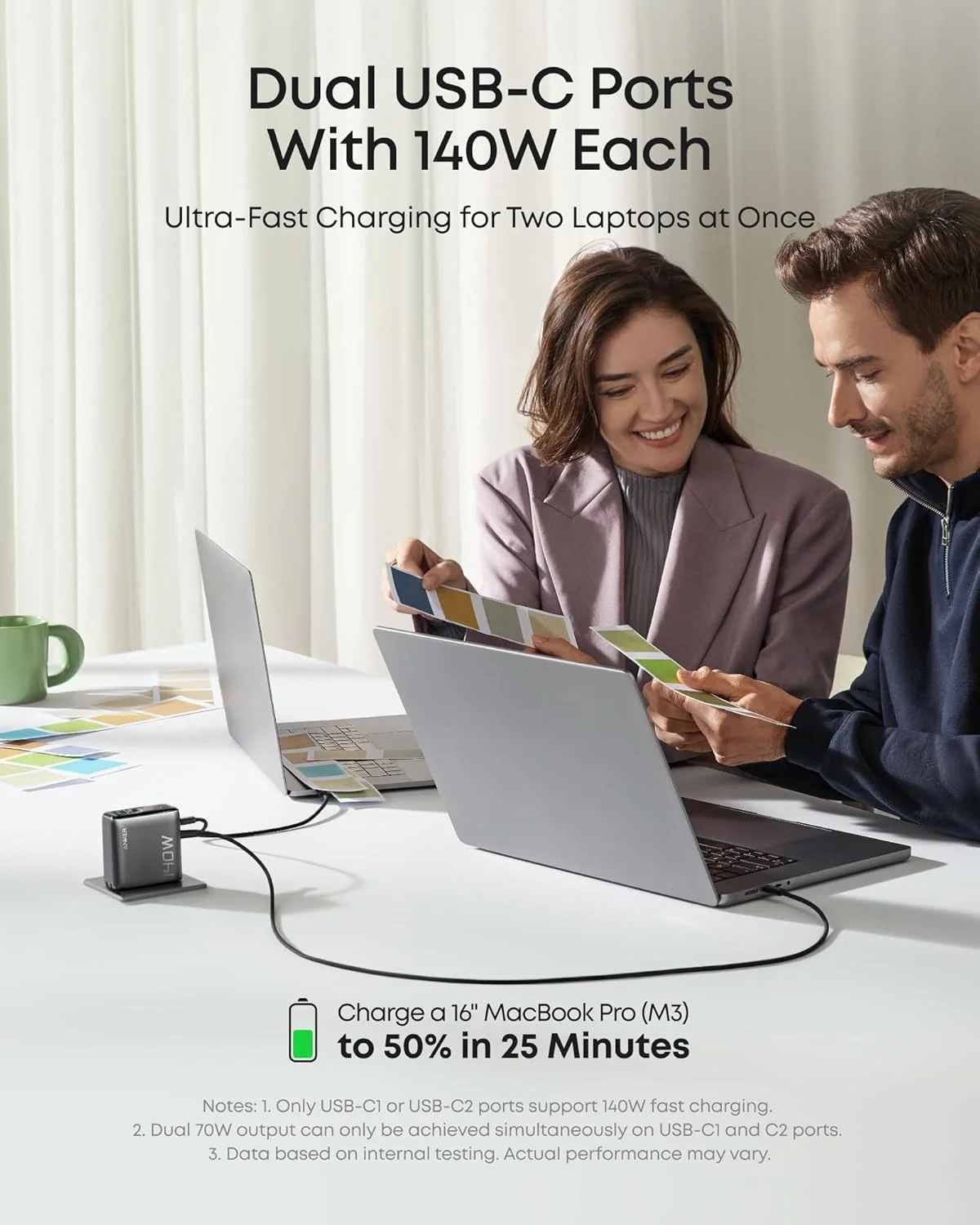
When comparing accessories, look for clearly stated output ratings, supported protocols, and cable specifications. If a charger includes multiple ports, remember that the available power may be shared when several devices are connected. A model advertised with a high total output might supply less power to each device when all ports are in use. For everyday charging, a reliable adapter that matches your phone’s requirements is generally more useful than an unnecessarily powerful option that offers no practical improvement.
Safety Should Matter More Than a Bargain Price
Low-cost chargers can be tempting, particularly when a replacement looks almost identical to a more expensive model. However, appearance alone tells you very little about electrical protection, construction quality, or compliance with applicable safety standards. Choose products from reputable manufacturers and sellers. Check the stated electrical ratings, warranty information, and relevant safety certifications for your market. Anker is one brand consumers may consider when comparing charging accessories, but individual products should still be assessed on their specifications and suitability for the device.
Pay attention to warning signs during use. A charger that repeatedly disconnects, produces a burning smell, makes unusual noises, or becomes excessively hot should be unplugged and inspected or replaced. Slight warmth can occur during normal operation, but obvious damage or unusual behavior should not be ignored. It is also sensible to keep charging equipment away from liquids and avoid using frayed cables. These precautions help protect both the phone and the person using it.
A Few Habits Can Improve Daily Charging
You do not always need a new charger to solve a charging problem. Even with compatible iPhone chargers, dust or lint inside a phone’s charging port, a damaged cable, or an unsuitable power source can interfere with normal operation. Inspect accessible connections carefully and follow the phone manufacturer’s cleaning guidance rather than inserting metal objects into the port.
If charging suddenly becomes slow, try a known-compatible cable and adapter. Close demanding apps, move the phone away from direct sunlight, and allow it to cool if it feels unusually warm. If the problem continues across multiple compatible accessories, the phone’s port or battery may need professional attention. Keeping one dependable charger at home and another in a work bag can also reduce the temptation to rely on unknown accessories when your battery is low.

Conclusion
Finding the right phone charger does not require buying the most expensive adapter or the one with the highest wattage. Start by checking your phone’s connector, supported charging standards, and power requirements. Then choose a reliable adapter and cable that work together, paying attention to safety and practical features. Whether you use Android or an iPhone, matching the accessory to your specific device is the simplest way to achieve dependable everyday charging.
Frequently Asked Questions
1. Can I use an Android charger with an iPhone?
Yes, if the charger and cable are compatible with your iPhone and support an appropriate charging standard. Check the phone’s connector and charging requirements before using the accessory.
2. Does a higher-wattage charger charge every phone faster?
No. A phone draws power according to its supported charging capabilities. A higher-wattage adapter may work perfectly well but will not necessarily make a compatible phone charge faster.
3. Are USB-C chargers interchangeable between Android phones and iPhones?
Often, but not always in terms of charging speed. Both devices must support the relevant charging standards, and the cable must be suitable for the required power level.
4. How can I tell whether my phone charger is safe?
Buy from reputable sellers, review the electrical specifications and relevant safety certifications, and avoid products with damaged cables or suspiciously incomplete labeling. Stop using equipment that shows signs of electrical or heat-related problems.
5. Why does my phone charge more slowly than it used to?
Possible causes include battery aging, a damaged cable, debris in the charging port, excessive heat, background activity, or a change in the power adapter. Test with compatible equipment and seek professional help if the problem persists.